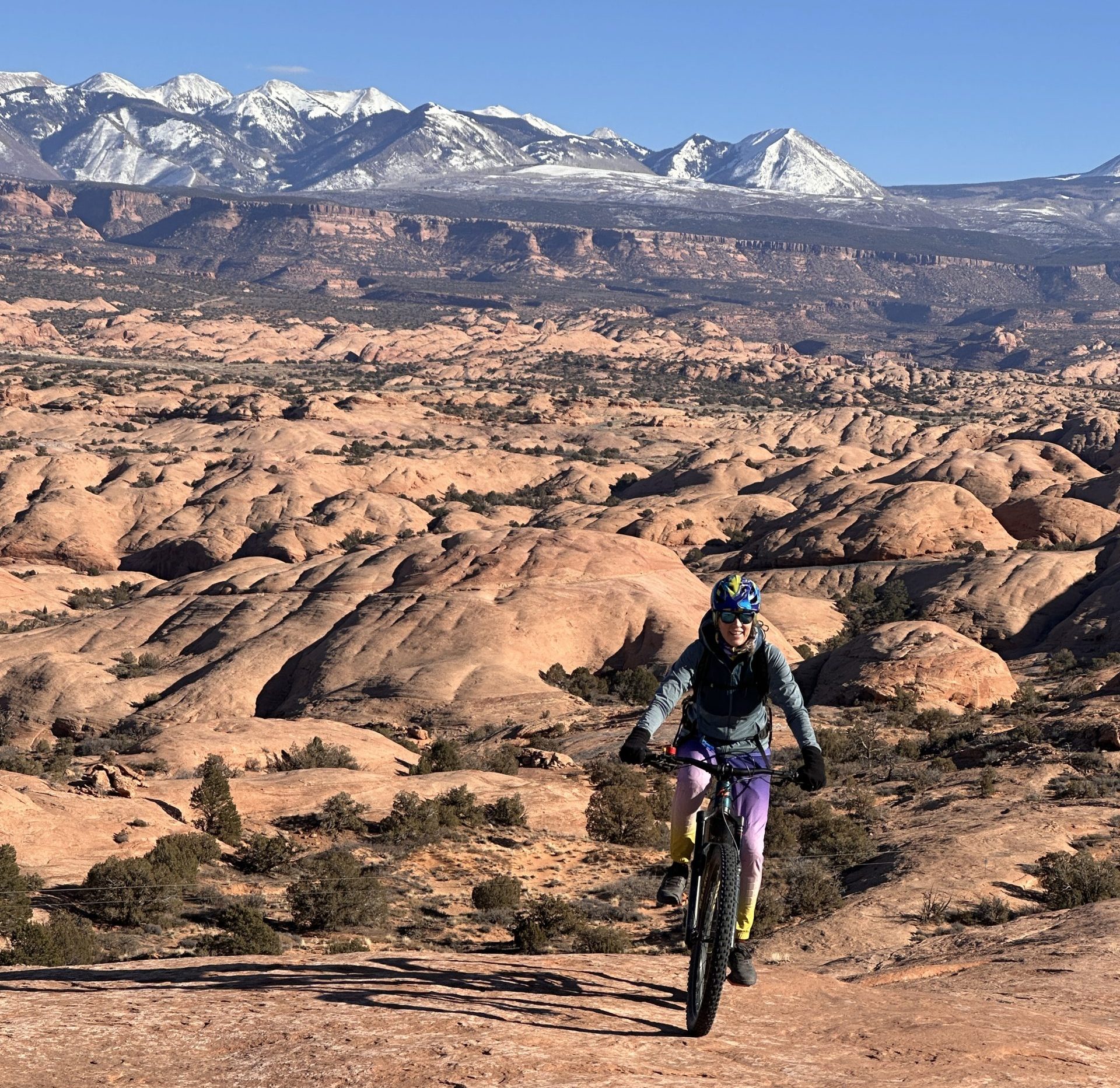
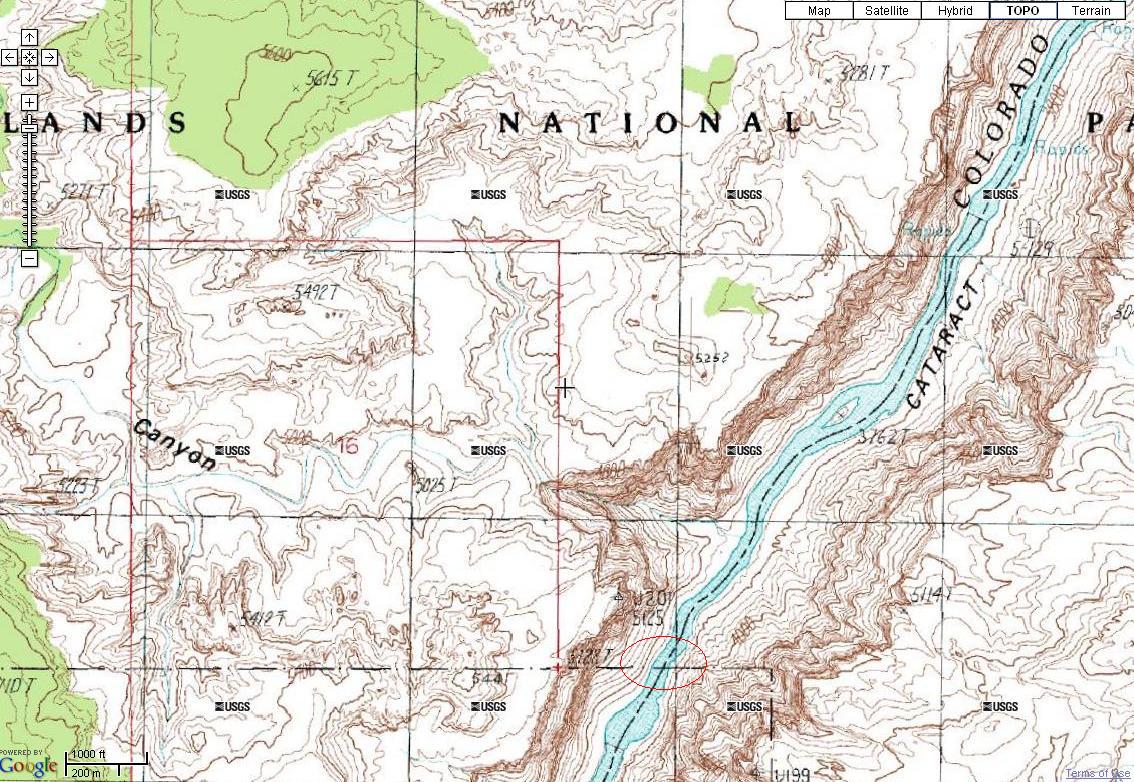

Always carry a paper map when heading into Moabโs canyon country, even if you have GPS and phone-based navigation apps, because batteries die, canyon walls block satellite signals, cell coverage is nonexistent across most of the backcountry, and a paper mapโs ability to show the โbig pictureโ and โlittle pictureโ simultaneously is something no phone screen can replicate. Having guided mountain bikers through this terrain since the late 1980s, Rim Tours has seen every navigation failure mode firsthand, and the riders who carry paper maps are the ones who never get into serious trouble.
Why Digital Navigation Fails in Canyon Country
The Moab region covers thousands of square miles of deeply incised canyon systems, towering mesa formations, and vast expanses of desert with limited landmarks. This terrain exposes every weakness of digital navigation:
Battery failure. A full day of GPS tracking, screen-on navigation, and photo-taking can drain a phone battery in 4-6 hours. In cold weather (common on fall and spring mornings), batteries deplete even faster. A dead phone in the middle of a White Rim ride or a remote hike in The Maze is not an inconvenience; it can be a survival situation.
No cell coverage. The vast majority of the Moab backcountry has zero cell service. This means no live map tiles, no route recalculation, and no ability to call for help. Even apps that download offline maps depend on GPS satellite acquisition, which brings us to the next problem.
Canyon walls block GPS. The deep, narrow canyons that make this landscape so spectacular also block line-of-sight to GPS satellites. Standard GPS receivers need signals from at least four satellites to calculate position. In a narrow canyon, you may only see one or two satellites overhead, resulting in no position fix or a wildly inaccurate one. This is exactly the situation where you most need navigation help.
Small screens lose context. A phone screen, even a large one, can display either the big picture (zoomed out to see distant mountains and major landmarks) or the small picture (zoomed in to see the trail fork in front of you), but not both at the same time. When you are lost in canyon country, you often need to triangulate between a distant mountain range, a nearby butte, and a local drainage feature. On a phone, you zoom in and out repeatedly, losing spatial context each time.
What Paper Maps Do That Phones Cannot
A paper map unfolds. This sounds trivial until you are standing on a mesa trying to figure out which of three identical-looking canyons is the one you need to descend into.
Spread a USGS topo map or a Latitude 40 recreation map on a flat rock, and you can see everything at once: the La Sal Mountains 15 miles to the southeast, the distinctive shape of a butte 2 miles away, the curve of a dry wash 200 yards ahead. All three landmarks are visible simultaneously, in proper spatial relationship to each other. You can lay a straight edge across them, take a bearing, and pinpoint your position within a few hundred feet.
Paper maps also have several practical advantages:
- No battery. A paper map works at 5 AM in freezing temperatures just as well as it works at noon in 100ยฐF heat.
- Durability. A quality recreation map is printed on water-resistant paper and can survive being dropped, rained on, or stuffed in a jersey pocket. A phone with a cracked screen or water damage is useless.
- Shareable. Spread a paper map on the ground and your entire group can study it together, pointing out features and discussing the route. Try doing that with a 6-inch phone screen.
- Notes. You can mark your current position, draw your intended route, and annotate features with a pencil. Try that on a GPS app and you will be fumbling with menus and touch targets.
Where to Get Maps for the Moab Area
The Moab Information Center (25 E Center St, Moab, UT 84532) is the best single source for maps of the region. They carry USGS topographic maps, BLM recreation maps, Latitude 40 cycling-specific maps, and National Geographic Trails Illustrated maps. Most maps are opened and laid out on tables so you can examine them before purchasing.
For mountain biking specifically, the Latitude 40 Moab East and Moab West trail maps are excellent. They show all major trail systems with trail ratings, distances, and key waypoints. The Trails Illustrated Canyonlands/Needles/Island in the Sky maps are essential for multi-day backcountry rides.
Any Moab bike shop can also recommend the right maps for your planned rides and point out key navigation landmarks.
The Best Navigation Apps (As a Supplement)
Paper maps should be your foundation, but digital tools are excellent supplements when they work. Here are the most useful apps for Moab backcountry navigation:
- Trailforks โ The best mountain-bike-specific app with detailed trail maps, GPS tracking, and offline map downloads. Most Moab trails are well-mapped.
- Gaia GPS โ Outstanding backcountry navigation with downloadable topo maps, satellite imagery, and offline capability. Excellent for multi-day tours.
- AllTrails โ Good for trail discovery and user reviews, though less detailed than Trailforks for mountain biking.
- Google Maps Offline โ Download the Moab region before your trip for basic road navigation. Limited trail detail.
- Avenza PDF Maps โ Lets you download and use georeferenced PDF maps offline, including many USGS topos.
The key with any app: download offline maps before you leave town. Do not rely on live data in the backcountry. And carry a portable battery bank as backup power.
How Rim Tours Guides Navigate
On every Rim Tours guided ride, our guides carry paper maps of the area and know the terrain intimately from years of repeated travel. They supplement paper maps with GPS devices and phone apps, but the paper map is always the primary reference.
On multi-day tours through Canyonlands, the Grand Canyon North Rim, or the Kokopelli Trail, our guides review the paper map with guests each morning, showing the dayโs route, key landmarks, and decision points. This briefing gives guests spatial awareness that makes the ride more meaningful and helps them navigate independently if they ride ahead of the group.
This is one of the underappreciated benefits of a guided tour: you are riding with someone who has navigated this terrain hundreds of times. Even if you never look at a map yourself, you are always on the right track.
Frequently Asked Questions
What maps should I buy for mountain biking in Moab?
For day rides around Moab, the Latitude 40 Moab East and Moab West trail maps cover all major trail systems. For multi-day rides in Canyonlands, add the National Geographic Trails Illustrated #210 (Canyonlands) map. These are available at the Moab Information Center and most bike shops in town.
Can I rely on Trailforks for navigation in Moab?
Trailforks is excellent for marked singletrack systems (Navajo Rocks, North Klondike, Dead Horse Point, etc.) and works well with downloaded offline maps. However, for backcountry jeep road navigation on routes like the White Rim or The Maze, a topo map or Gaia GPS provides better context. Always download offline maps before leaving town.
Do Rim Tours guests need to bring their own maps?
No. Our guides carry all necessary maps and handle all navigation. However, if you are doing any independent exploring before or after your guided tour, purchasing a local trail map is strongly recommended.
How do I learn to navigate with a paper map?
The basic skill is triangulation: identify two or three visible landmarks (mountains, buttes, distinctive rock formations), find them on the map, and determine your position relative to them. A compass helps but is not essential for basic orientation. Many outdoor education organizations offer navigation courses, and YouTube has excellent tutorials on map reading and compass use.